



Effective tuition centre website design Singapore parents respond to starts with one fact: the parent is the buyer, but the student is the reason. A good site answers the parent’s worries about fit, tutors, schedules and fees, and makes a trial lesson easy to book in under a minute.
This guide is written by Digital Saravanan, founder and CEO of DigiMonk Group in Chennai, which also runs DigiMonk Academy. His team builds websites for education and service businesses in India and Singapore, in English and Tamil.
Tuition Centre Website Design Singapore: At a Glance
| Question | Short answer |
|---|---|
| Who decides? | Usually a parent, often searching on a phone in the evening |
| Main goal | Trial lesson bookings and enquiries by WhatsApp |
| Must-have pages | Programmes by level, tutors, timetable, fees, location and FAQ |
| Trust builders | Real tutor profiles, honest results and parent reviews |
| Data care | Consent and careful handling of student details under the PDPA |
| Contact | +91 82202 54450 or digitalsaravanan.com@gmail.com |
On This Page
- How parents choose
- Why Digital Saravanan
- Pages to build
- Programmes by level
- Tutor profiles
- Timetables
- Showing fees
- Trial lesson booking
- Results and reviews
- Location and branches
- Holiday programmes
- Online and hybrid classes
- Supporting enrolled parents
- Student data
- Being found by parents
- Keeping it current
- Mistakes
- Build plan
- FAQ
How Do Singapore Parents Choose a Tuition Centre Online?
Parents usually start with a search like a subject, level and area, then compare three or four centres. They look for the right level, a convenient location, tutors they can trust, a timetable that fits and a fair fee. Most then message one or two centres to ask about a trial lesson.
The decision tends to follow five questions:
- Do you teach my child’s level and subject?
- Is the centre near home or school, and near an MRT station?
- Who are the tutors, and what experience do they have?
- Do class times fit our week?
- What does it cost, and can we try a lesson first?
A website that answers all five quickly wins the message. One that hides any of them sends the parent back to the search results.
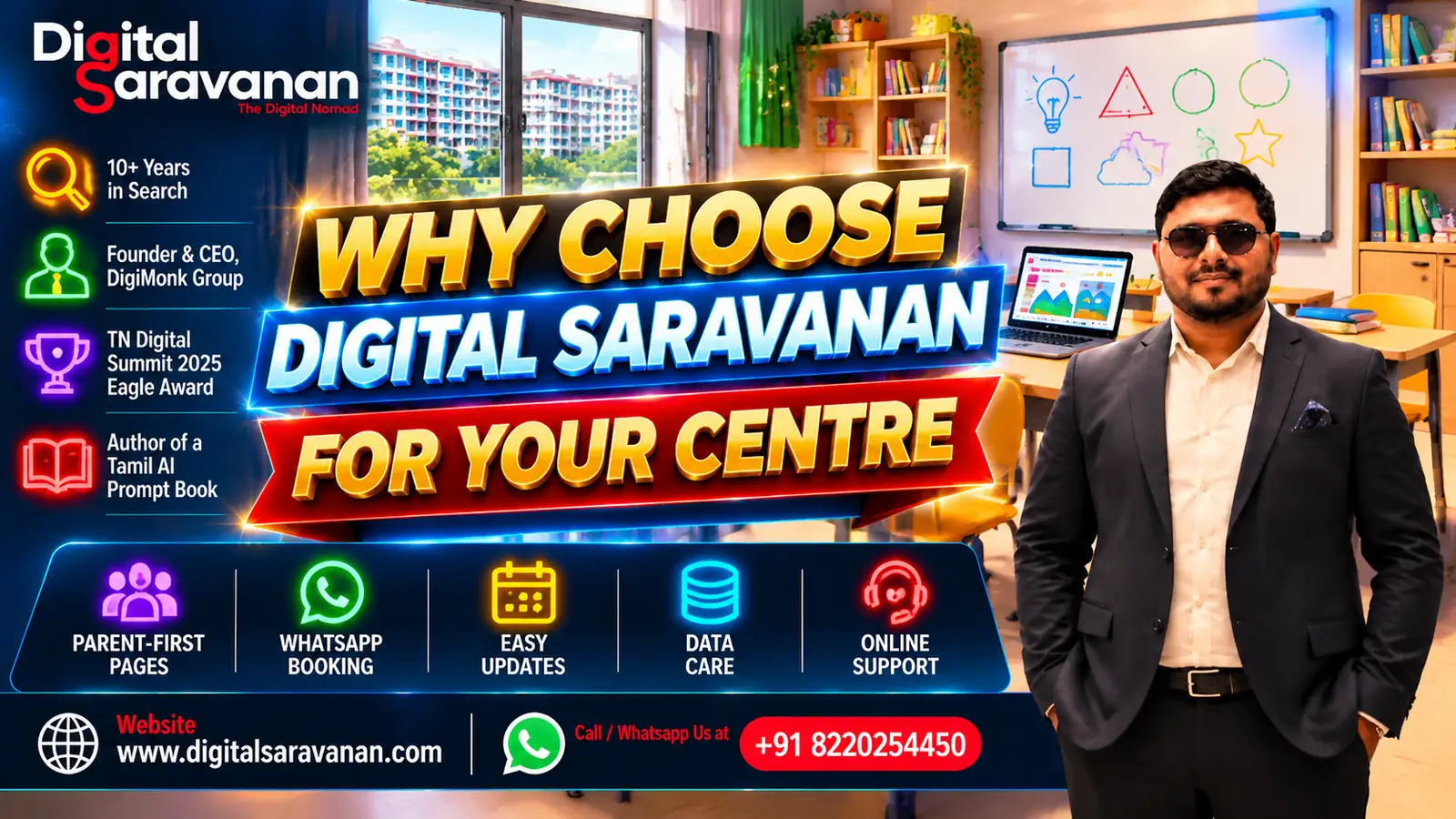
Why Choose Digital Saravanan for Tuition Centre Website Design Singapore Parents Trust?
Digital Saravanan runs DigiMonk Academy alongside his agency, so he understands how learners and parents decide. His ten years in search mean each page targets what parents actually type, such as a level, subject and area. You get a site built to fill classes, not just to look nice.
The experience behind the work:
- More than ten years in search, websites and digital marketing.
- Founder and CEO of DigiMonk Group, Chennai: DigiMonk Agency and Academy, Chatamation, 100X AI CLUB and 100X SEO.
- Author of the Tamil prompt-engineering book “AI உடன் பேசும் கலை” (The Art of Talking to AI).
- Winner of the TN Digital Summit 2025 Eagle Award.
- Works in English and Tamil with clients in India, Singapore, Malaysia and the UAE.
Many tuition centres are small businesses with tight budgets. Our guide to website design for small business in Singapore covers the basics every small site needs.
Which Pages Should a Tuition Centre Website Include?
A tuition centre site works best with a clear homepage, one page per level or programme, a tutors page, a timetable, a fees page, a location page, parent reviews and an FAQ. Each page answers one of the parent’s questions, so no one has to hunt for the detail they care about most.
| Page | Parent question it answers |
|---|---|
| Home | Is this centre right for my child? |
| Programmes | Do you teach my child’s level and subject? |
| Tutors | Who will teach my child? |
| Timetable | When are the classes? |
| Fees | What will it cost each month or term? |
| Location | How do we get there? |
| Reviews | What do other parents say? |
| FAQ | What about make-up classes, class size and trials? |
Smaller centres can combine some pages. Still, give each level its own page if you can, because that is how parents search.
How Should Programmes Be Organised by Level and Subject?
Organise programmes the way Singapore parents think: by school level first, then subject. Primary, secondary and junior college levels each get a clear section, with subjects listed under each. Every programme page should explain who it suits, class size, teaching approach, materials and the next intake.
A good programme page includes:
- The level and subject in the heading, such as “Primary 5 Mathematics”.
- Who the class suits, from catching up to stretching ahead.
- Class size and lesson length.
- How lessons are taught and what materials are used.
- Days, times and the tutor who teaches it.
- A button to book a trial for that class.
Use the same structure on every programme page. When parents compare two levels, or move a child up a level next year, a familiar layout helps them find the details fast and makes the whole centre feel well run.
Exam years such as PSLE, O-Level and A-Level deserve extra detail. Parents in those years search harder and compare more carefully.
How Should Tutor Profiles Be Written?
Tutor profiles are often the most-read pages on a tuition site. Show a real photo, qualifications, teaching experience, the levels and subjects each tutor teaches and a few lines on their teaching style. Parents want to picture the person their child will spend hours with every week.
Each profile should cover:
- Name and a friendly, professional photo.
- Relevant qualifications and teaching background.
- Levels and subjects taught at the centre.
- A short note on how they teach.
- Languages they can explain in, if useful.
A short welcome video from each tutor can help too. Even thirty seconds of a tutor explaining how they teach often reassures a parent more than a long list of qualifications.
Only list credentials that are true and current. Parents may ask about them, and accurate profiles protect both the tutor and the centre.
How Should a Class Timetable Be Shown?
Show the timetable as a simple, mobile-friendly table or list, grouped by level, with days, times, branch and available seats where possible. Avoid uploading a timetable as a single image or PDF, because it is hard to read on a phone and search engines cannot read it either.
| Format | On a phone | For search |
|---|---|---|
| Web table or list | Easy to scroll and read | Readable by Google |
| Image of a timetable | Needs zooming | Not readable |
| PDF download | Slow and awkward | Partly readable |
Mark full classes clearly, and offer a waitlist. A parent who sees “full” with a waitlist option still has a reason to contact you.
Should a Tuition Centre Show Its Fees Online?
Showing fees, or at least a clear starting range, usually brings better enquiries. Parents compare costs early, and many will skip a centre that hides them. A simple fee table by level, with notes on registration, materials and payment terms, saves time for both the parent and your staff.
A clear fees page includes:
- Monthly or termly fees by level.
- Any one-time registration or material fees.
- Sibling or multi-subject discounts, if offered.
- Policies for make-up classes and withdrawals.
If fees vary a lot, show a starting price and explain what changes it. Honesty here prevents awkward conversations later.
How Should Trial Lesson Booking Work on the Website?
Make booking a trial lesson the easiest action on every page. Offer a WhatsApp button and a short form asking only for the parent’s name, contact, the child’s level, the subject and preferred days. Confirm quickly, because parents often message several centres at the same time.
- Place a “Book a Trial” button on the homepage and every programme page.
- Keep the form to five fields or fewer.
- Offer WhatsApp for parents who prefer to chat.
- Show a thank-you message with the expected reply time.
- Reply within the same day where you can.
For holiday campaigns or ads, a single focused page often works better than the full site. See our guide to landing page design in Singapore.
How Should Results and Parent Reviews Be Presented?
Results and reviews build trust, but only when they are honest. Share real parent and student feedback with permission, describe improvements in words or with figures you can verify, and avoid sweeping promises about grades. Parents trust specific, believable stories more than big claims.
| Do | Avoid |
|---|---|
| Quote real parents with permission | Writing reviews yourself |
| Describe progress in plain words | Guaranteeing grades |
| Show figures you can verify | Numbers you cannot back up |
| Use first names or initials | Sharing student details without consent |
Ask parents for a short review after a term, when they have seen real progress. Link to your Google reviews as well, since many parents check there too.
How Should Location and Branches Be Shown?
Location is one of the biggest reasons parents choose a centre. Show your full address, nearest MRT station, bus options, parking and a map on a dedicated page. If you have several branches, give each one its own page with its own timetable, so parents can find the branch nearest them.
For each branch page, include:
- Full address and a map.
- Nearest MRT station and walking time.
- Bus services and parking notes.
- Branch-specific timetable and contact number.
- A photo of the entrance or classroom, so parents recognise it.
Keep your details the same on your site and your Google Business Profile. Google’s guidelines for representing your business explain how to set up each location correctly.
How Should Holiday Programmes and Intakes Be Promoted?
School holidays and new-year intakes are busy times for tuition centres. Give each holiday programme its own page with dates, levels, topics, fees and a booking button, and feature it on the homepage while registration is open. Remove or archive it once it ends, so the site always looks current.
Plan the calendar ahead:
- Publish holiday programme pages a few weeks before each break.
- Add a homepage banner while registration is open.
- Send the page link to existing parents by WhatsApp or email.
- Close or archive the page when the programme ends.
Reusing the same page address each year, with updated details, helps it build search strength over time.
How Should Online and Hybrid Classes Be Presented?
If you teach online or offer a mix of online and in-centre lessons, say so clearly on each programme page. Parents want to know which platform you use, how homework is handed in, how tutors check understanding and what a child needs at home. Clear answers remove the worry that online means less attention.
| Parent question | What the page should say |
|---|---|
| How are lessons run? | The platform, class size and lesson length |
| What does my child need? | A device, stable internet and any materials |
| How is homework checked? | How work is submitted and marked |
| Can we switch formats? | Whether students can move between online and in-centre |
Online classes can also reach families outside your usual area. Mention this on the page so those parents know they are welcome.
How Should the Site Support Parents After They Enrol?
The website keeps working after enrolment. A simple parent section can hold term dates, the make-up class policy, holiday closures and payment details, so parents find answers without messaging your staff. This saves admin time and makes the centre feel organised and easy to deal with.
Useful items for enrolled parents:
- Term calendar and public holiday closures.
- Make-up class and replacement lesson rules.
- Payment methods and due dates.
- How to reach the tutor or admin team.
- Any rules on lateness, absence and withdrawal.
Keep this section short and up to date. If parents still ask the same question often, add the answer here.
How Should a Tuition Centre Handle Student and Parent Data?
Tuition centres collect details about children, so handle data with extra care. Forms should explain why you collect each detail and get consent, usually from the parent. Collect only what you need, store it securely and avoid posting student names, photos or results without clear permission.
The Personal Data Protection Commission publishes guidance, including on handling children’s data. On the website, we:
- Add a clear consent line to every enquiry and booking form.
- Send form entries to your business email, not a personal one.
- Keep student photos off the site unless parents have agreed.
- Link a short privacy notice from every page.
Parents notice this care. A centre that clearly respects their child’s privacy feels safer to trust with their child’s learning.
How Do Parents Find a Tuition Centre on Google?
Parents search with level, subject and place, such as a primary maths class near their estate. Pages built around those combinations, plus a complete Google Business Profile and genuine reviews, give your centre the best chance to appear in both the map results and the regular results.
Focus on these search basics:
- One page per level and subject, with clear titles.
- Branch pages naming the area and nearest MRT station.
- A complete business profile for each branch.
- Regular, genuine parent reviews.
- FAQs that match the questions parents ask on calls.
Search takes time to build. Steady updates to programme and branch pages usually beat one big push.
How Do You Keep a Tuition Website Current?
A tuition site changes every term: timetables, fees, tutors and programmes all move. Choose a platform your staff can update without a developer, set a simple calendar for updates, and check the site at the start of each term. An out-of-date timetable is one of the fastest ways to lose a parent’s trust.
| When | What to update |
|---|---|
| Start of each term | Timetables, fees and available seats |
| When tutors change | Tutor profiles and programme pages |
| Before holidays | Holiday programme pages and banners |
| Every month | New reviews and any changed details |
WordPress suits most centres because staff can edit pages easily. Our guide to WordPress website design in Singapore explains why.
Which Tuition Website Mistakes Cost Enrolments?
The most common mistakes are hiding fees, posting timetables as images, missing tutor details, slow trial booking, out-of-date programme pages and vague claims about results. Each one makes a parent hesitate, and hesitation usually means they message another centre instead.
- No level or subject in page headings.
- Timetable only as an image or PDF.
- Tutors listed without photos or experience.
- A long booking form with no WhatsApp option.
- Last year’s holiday programme still on the homepage.
- Results claims with no detail behind them.
Fixing these on an existing site is often quick and costs far less than rebuilding.
What Does a Tuition Centre Website Design Singapore Build Plan Look Like?
A typical build starts with mapping your levels, subjects and branches, then writing programme, tutor and fees pages, followed by design, build, testing and launch. Timing depends mostly on how quickly tutor profiles, timetables and photos are ready, so gather those early.
| Stage | What happens |
|---|---|
| 1. Map | List levels, subjects, branches and the main actions |
| 2. Content | Write programme, tutor, fees and FAQ pages with you |
| 3. Design | Layout that suits parents on phones |
| 4. Build and test | Booking, WhatsApp, timetable and speed checks |
| 5. Launch | Go live and connect your business profile |
| 6. Term updates | Train staff to update each term |
For budget options, read our guide to affordable website design in Singapore.
Frequently Asked Questions
What does tuition centre website design Singapore centres need include?
Usually programme pages by level, tutor profiles, a timetable, fees, location, reviews, FAQ and trial booking by WhatsApp or form.
Can parents book a trial lesson online?
Yes. A short form and a WhatsApp button let parents book in under a minute.
Can my staff update the timetable themselves?
Yes. We build on a platform your team can edit, and show them how to update timetables and fees.
Should I show fees on the website?
Usually yes, at least a starting range. Clear fees bring better-matched enquiries.
Can you build pages for several branches?
Yes. Each branch gets its own page with address, MRT details, timetable and contact.
How do you handle student photos?
We only use them when parents have agreed, and we add consent lines to every form.
Can the site be in English and Tamil?
Yes. This suits centres teaching Tamil or serving Tamil-speaking families.
How do I start?
Call or WhatsApp +91 82202 54450, or email digitalsaravanan.com@gmail.com with your levels, subjects and branches.
About the Author
Digital Saravanan is founder and CEO of DigiMonk Group in Chennai, with more than ten years in search. His group runs DigiMonk Agency and Academy, Chatamation, 100X AI CLUB and 100X SEO. He wrote “AI உடன் பேசும் கலை”, a Tamil book on prompt engineering, and won the TN Digital Summit 2025 Eagle Award.
He works in English and Tamil with businesses in India, Singapore, Malaysia and the UAE. For care after launch, see our page on website maintenance in Singapore.

Plan Your Tuition Centre Website Design Singapore Project
Send your levels, subjects and branch locations. You will get a page plan built around parents’ questions, a trial booking setup and a short list of what to prepare.
Contact: call or WhatsApp +91 82202 54450 or email digitalsaravanan.com@gmail.com.